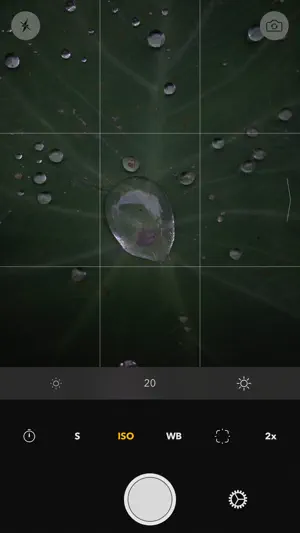
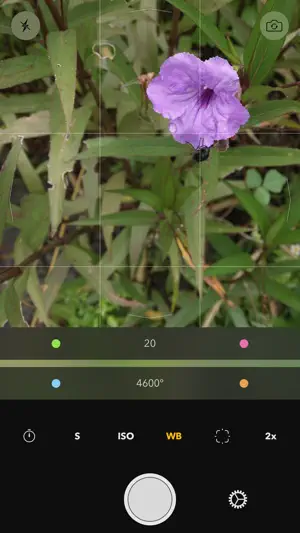
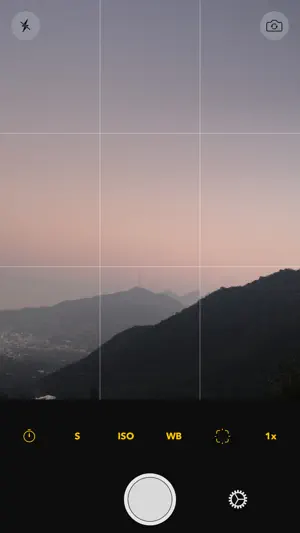
Take full control of your camera, with Reuk you get complete control over your photo's exposure so you can make it look exactly the way you want it to. And if you have an iPhone 6s or newer you can also shoot in RAW so that you have the most flexibility when post processing your photos!
It's very easy to change any parameter to your preference, just choose what you want to edit and swipe on the viewfinder. You get full manual control over the ISO, shutter speed, focus, white balance, and flash mode.
Take photos and review them straight from Reuk for Apple Watch. You can also set a timer and make quick adjustments to the exposure or white balance without needing to touch your iPhone.
Other features - Shoot in RAW, RAW + JPEG, or JPEG [requires iPhone 6s or newer]. - Use either the wide angle or telephoto lenses on the iPhone 7 Plus. - Choose between the wide angle and telephoto lenses of the iPhone 7 Plus to always open the app to that focal length. - Live histogram to help you expose your photos.
- Show a loupe when focusing to make sure your photo is focused correctly. - Choose either a 5 or 10 second timer so you can be on the photo or to avoid any vibrations in your photo when using a tripod. - The viewfinder shows you 100% of what your camera sees, so you get to see exactly what you're going to get once you take the photo, no guessing what part of the photo the viewfinder is cropping, and you can use the grid to help you set up your shots. - Use the levels to make sure your photos are just right. - Automatically uses Optical Image Stabilization when available.
レビュー
The design is good The photograph which I took is warped. I use it and am not a success for the moment. I demand improvement. Even if Japanese iPhone makes silent mode, a shutter sound does not disappear. Users in Japan increase if I add the function.
デベロッパの回答 、 I'm sorry to hear you're having some trouble, there's been a few updates since you left this review. The new version should be working well now! About the shutter sound, I'm sorry but I believe it's not possible to turn off the shutter sound on a Japanese iPhone… Please let me know if you're still having trouble!








 1.0 (評価数 : 1)
 アプリの名称で Google検索
 App Storeでダウンロード